To turn photos into a Christmas card someone can open on their phone, pick a small set of meaningful pictures, add a few words to each, and finish with a short letter, then send it as something that opens straight from a message. You can do this with a simple collage, a shared album, a short video, or a small interactive room. The photos and the words matter far more than the format.
What are your options?
There are several ways to do this, from free and quick to more involved:
- A single collage image. Arrange a few photos on one image with a greeting and send it in a chat. Quick, and it works on any phone, but there is little room for words.
- A shared album. Most phones let you share an album with captions. Good for many photos, though it can feel more like a camera roll than a card.
- A short slideshow video. Photos set to music, with text on screen. Lovely to watch, but editing takes time and the text has to be brief.
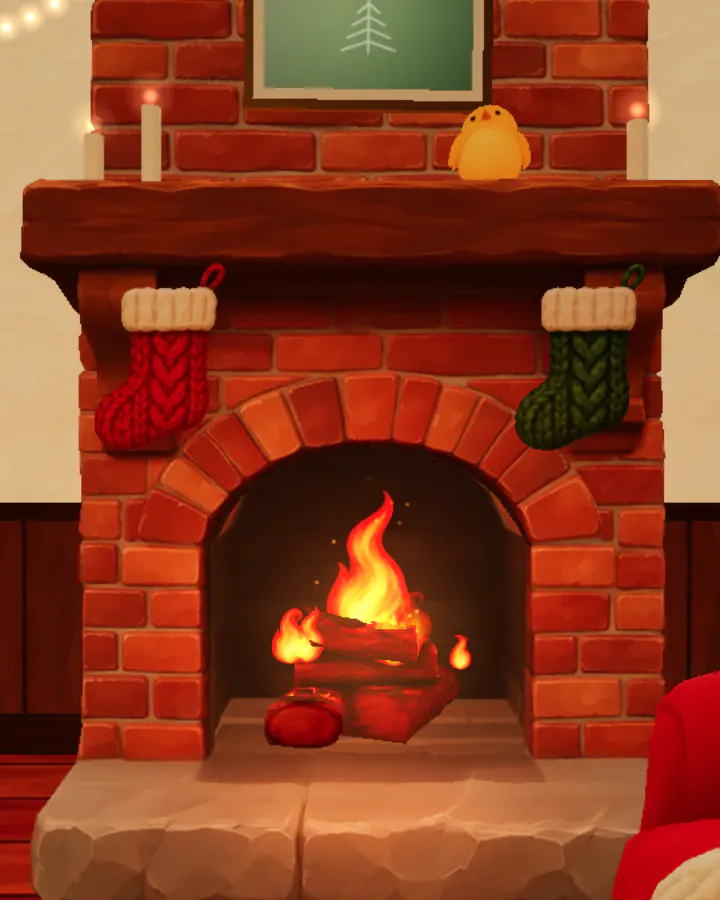
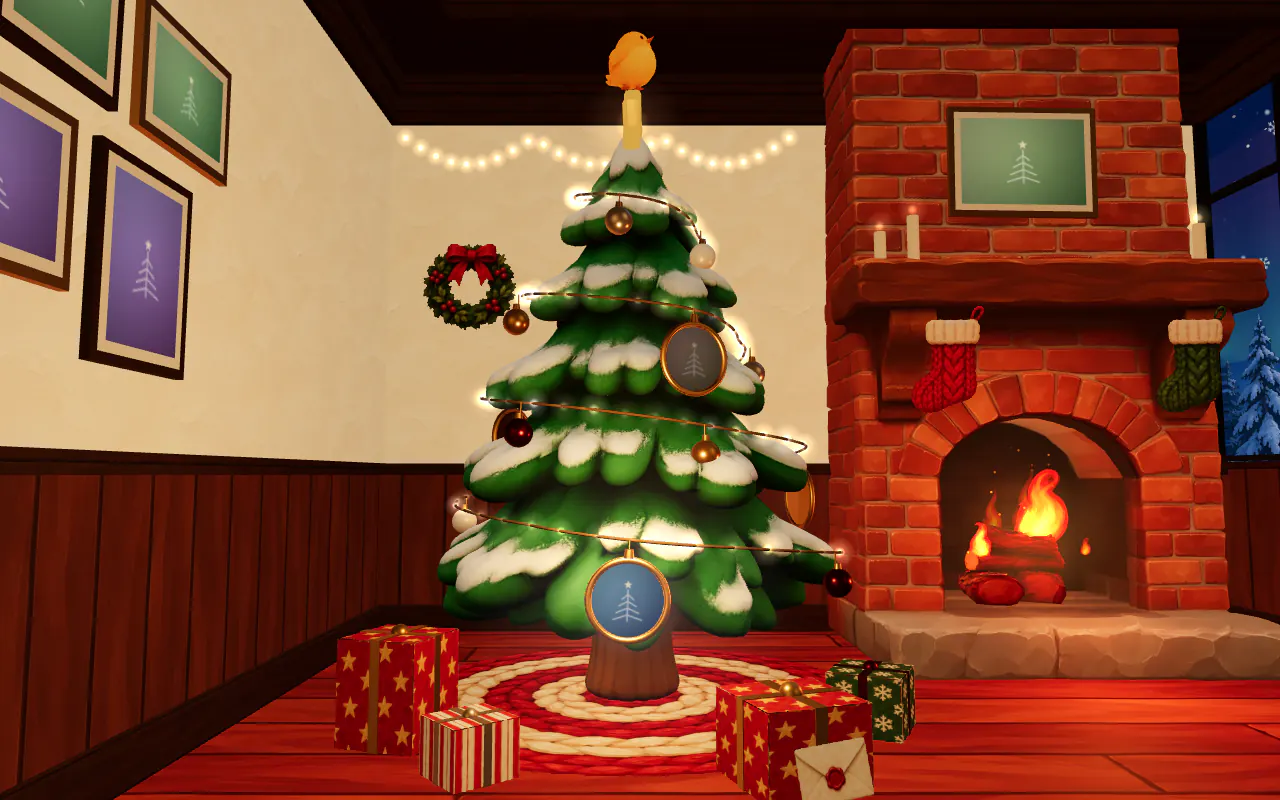
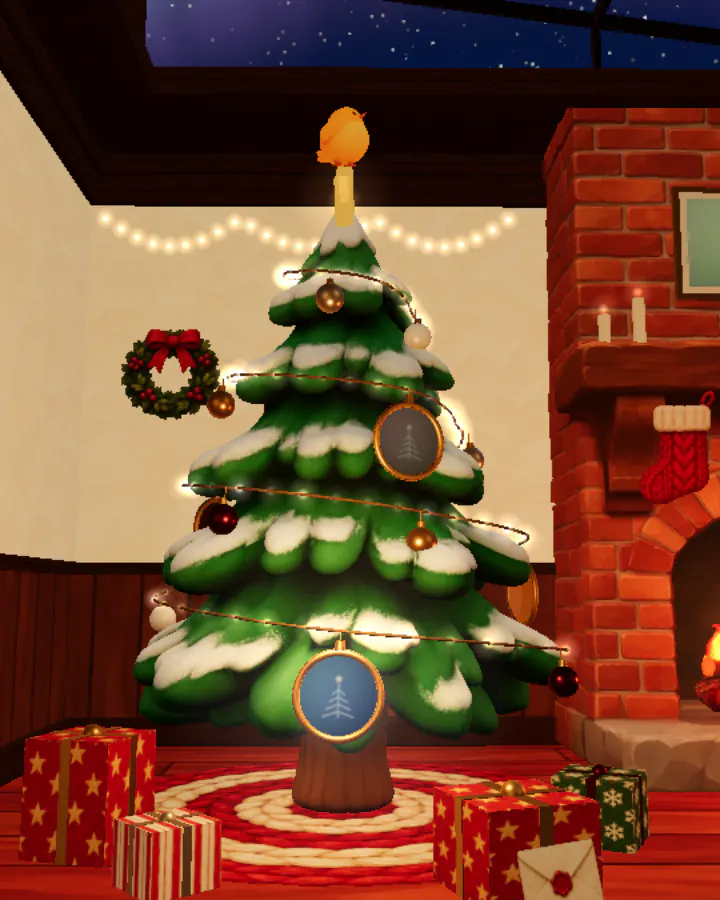
- An interactive room. A small space they step into and explore, where photos and messages are revealed one by one. This is what Dear Room does, and it is covered step by step below.
Whichever you choose, the preparation is the same.
How to choose and prepare your photos
Pick fewer, better photos
A card is not an archive. Ten to twenty photos with a story behind each one usually feel more personal than a hundred without. Look for:
- moments only the two of you would recognise, not just the best-looking shots
- a mix of big occasions and ordinary days
- at least one photo that makes them laugh
Put them in an order
Chronological order is the easiest to follow and turns your photos into a story: how it started, what happened along the way, where you are now.
Write a line for each one
Before you build anything, jot down the date, a short title and a sentence or two for each photo. What were you doing? What do you remember that the photo doesn't show? This is the part people tend to rush, and it is the part recipients tend to remember.
Keep your originals
Whatever service you use, keep your own copies of the photos somewhere safe. Online cards and rooms don't always last forever.
How to do it with Dear Room
Dear Room is a private 3D Christmas room that opens in the browser. Here is how a card comes together:
- Buy a room. Plans start at $11.99 as a one-time payment, with no subscription. A plan gives you one room, or two with Deluxe, for two different people.
- Add your memories to the tree. Each memory has a date, a title, a short message of up to 500 characters and an optional photo, and hangs on the tree as an ornament. You can add up to 24.
- Fill the frames on the wall. Up to 10 framed pictures (nine on the photo wall, one above the fireplace), each with a caption and a short memo.
- Hide a few notes. Tuck small notes in the stocking by the fireplace or on the windowsill, up to 12 in all.
- Write the letter. Up to 3,000 characters, which they read at the very end.
- Choose a password. Use 4 to 64 characters; a password made only of digits needs at least 6. A short phrase only the two of you know works well. The question and hint on the door can be seen by anyone with the link before the password is entered, so keep private details and obvious giveaways out of them.
- Publish and send the link. Send it yourself, whenever you like, through any messenger.
A room holds up to 60 photos in total. JPEG, PNG and WebP work, as do iPhone HEIC photos where the browser can open them. Photos are resized in your browser before upload, and location and camera data are removed.
On their side, there is no app and no account. They open the link, type the password at the door, and glowing ornaments light up in order for them to tap and read. The last gift under the tree holds your letter, and afterwards they can look around the room freely.
If you spot a typo after sending, you can edit and publish again. The link and password stay the same, and they will see the changes once you publish.
What should you write in the letter?
The photos tell them what happened. The letter tells them what it meant. A few ideas:
- Start with something concrete rather than a general greeting.
- Mention one or two memories from the card and why they stayed with you.
- Say the thing you don't usually say out loud.
- End with something you are looking forward to together.
Here are a few example openings to get you started (these are just examples, so make them your own):
I've been going through our photos all week, and I kept stopping at the one from the train station.
Mum, I don't think I've ever properly thanked you for the year I lived at home again.
This is the first Christmas we've spent in different countries, so I wanted to give you somewhere we could both be at once.
You don't need to fill all 3,000 characters. A few honest paragraphs are enough.
Tips for sending it
- Send it at a calm moment. Christmas Eve evening or a quiet morning works better than the middle of a busy family lunch.
- Tell them what it is. A short line such as "I made you something, open it when you have ten minutes" helps it feel like a present rather than a random link.
- Check the basics. The room is made for phones and also works on computers. It works in messaging apps' built-in browsers but needs a reasonably up-to-date browser with 3D (WebGL) support.
How long does it last?
A Dear Room stays open for about 10 months from purchase. After that it closes and is deleted 30 days later, and there is no download or export button, so keep your own copies of the photos and the letter.
For more on making a digital card feel personal, see what makes a digital Christmas card feel personal. When your photos and words are ready, you can start your Dear Room Christmas card.